Regional firmware · ZAXM
South Africa (ZAXM) Xiaomi HyperOS firmware downloads
South Africa firmware with Vodacom and MTN carrier variants.This page lists every device with South Africa builds, ordered by the newest release.
This site lists 6 devices and 45 South Africa builds for the ZAXM region. The newest release is 2026-07-28. Open a device to see its full build list for this region; every build number has its own download page.
- Region
- South Africa / South Africa
- Region code
- ZAXM
- Devices
- 6
- Builds
- 45
- Newest release
- 2026-07-28
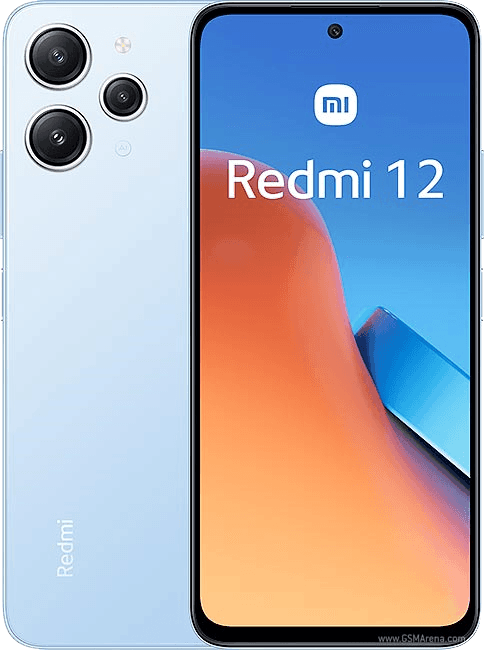 Redmi 12Latest OS2.0.214.0.VMXEUXM · 2026-10-28163 downloads
 REDMI A5 / POCO C71Latest A15.0.19.0.VGWEUXM · 2026-11-10521 downloads
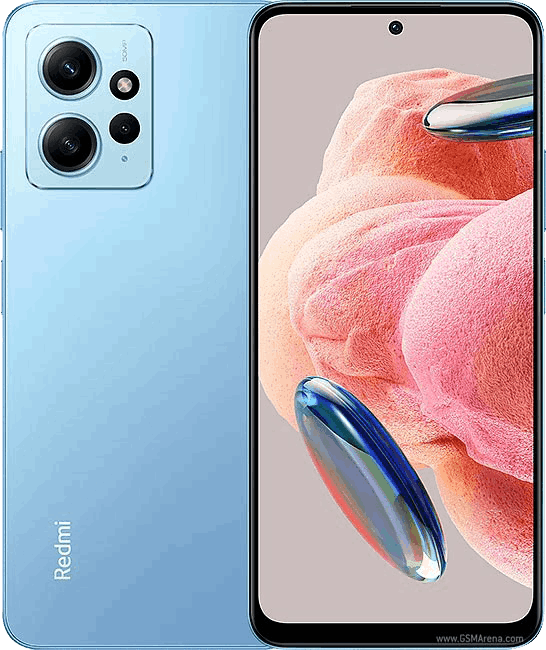 Redmi Note 12 4G NFCLatest OS2.0.210.0.VMGMIXM · 2026-10-08213 downloads
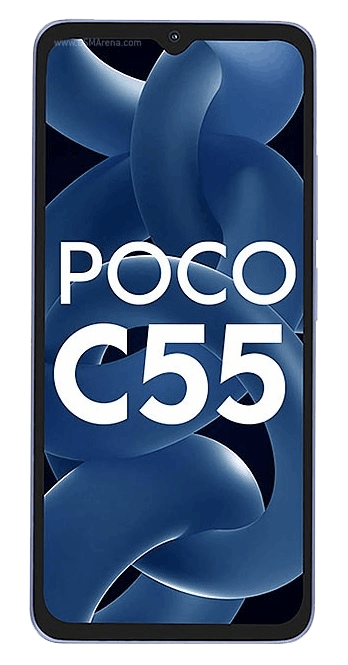 Redmi 12C / POCO C55Latest OS1.0.8.0.UCVEUSF · 2026-09-0151 downloads
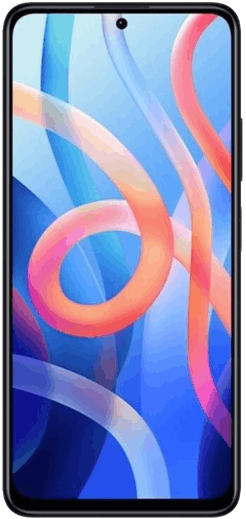 Redmi Note 11 NFCLatest OS1.0.20.0.TGKEUVF · 2026-03-01250 downloads
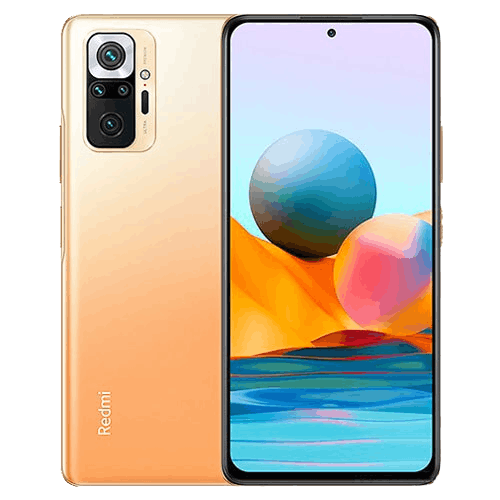 Redmi Note 11 Pro 4GLatest OS1.0.2.0.TGDLMMS · 2025-03-2556 downloads
About South Africa builds
South Africa firmware with Vodacom and MTN carrier variants.
The region is identified by the suffix of the build number: ZAXM means South Africa. Firmware differs by region in modem configuration, preinstalled apps, languages and compliance settings, and cross-region flashing can break calls, NFC, payments or OTA delivery, so prefer the build that matches the device's sales region.
Frequently asked questions
How does South Africa firmware differ from other regions?
South Africa firmware with Vodacom and MTN carrier variants. The main differences are preinstalled apps, modem and carrier configuration, compliance switches and the OTA rollout channel.
How do I check whether my device runs South Africa firmware?
Open Settings → About phone → All specs. The build number should end with ZAXM. You can also check the sales region on the purchase channel and retail box.
Can I install South Africa firmware with a recovery package?
A recovery package only passes verification when it matches the region currently installed. For cross-region moves, use a fastboot flash and back up your data first.